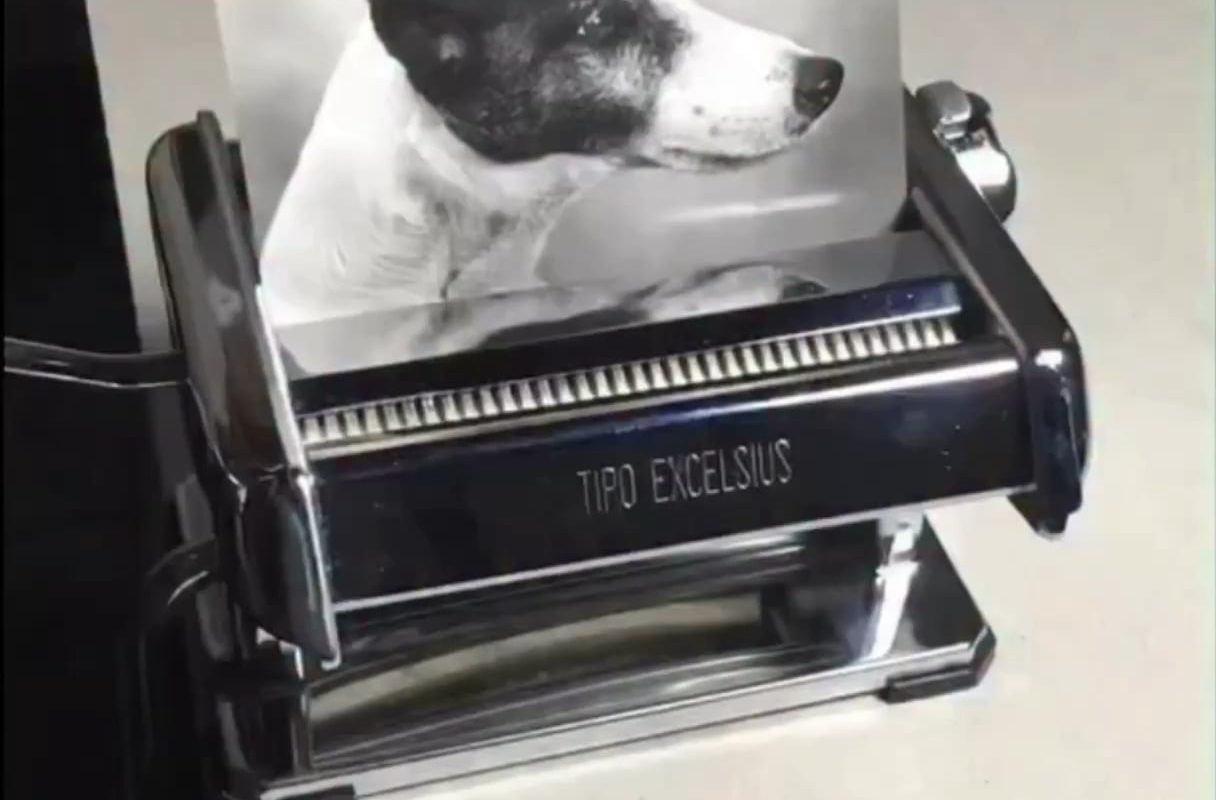
Shredding an image into pieces to make smaller versions perfectly shows how downsampling keeps the big picture while dropping detail
Title: Shredding the Bigger Picture: How Downsampling Images Preserves Essence While Cutting Bloat
Meta Description: Discover how downsampling images works like shredding an image into smaller parts to retain its essence while sacrificing unnecessary detail. Learn why this technique is critical for speed, SEO, and user experience.
The Art of Image “Shredding”: Downsampling Simplified
Imagine taking a detailed photograph and shredding it into tiny, digestible fragments. Those fragments still retain the image’s core message but in a lighter, faster-loading form. This is what downsampling achieves—a computational form of “shredding” that reduces an image’s resolution while preserving its recognizable essence.
In today’s digital landscape, where speed and efficiency dictate user engagement, downsampling isn’t just a nice-to-have—it’s a necessity. Let’s dive into how this process balances quality and performance.
What Does “Shredding” an Image Really Mean?
In literal terms, shredding an image would mean physically slicing it into pieces. Digitally, downsampling accomplishes something similar:
- Dividing the image into a grid of pixels and merging or discarding data points.
- Simplifying complexity by reducing pixels while keeping broader shapes, colors, and patterns.
- Prioritizing the “big picture” over fine-grained intricacies.
For example, a high-resolution photo of a forest may show individual leaves. Downsampling it “shreds” away leaves but keeps the overall shape of trees, shadows, and hues of green.
Why Downsample? SEO, Speed, and User Experience
-
Faster Load Times
Large images slow websites, frustrating users and increasing bounce rates. Downsampling cuts file sizes, helping pages load in seconds—a critical factor for SEO rankings. -
Bandwidth Efficiency
Less data is transmitted, saving costs for mobile users and improving accessibility in low-connectivity areas. -
Retaining Visual Intent
Unlike compression (which may distort images), downsampling cleanly trims detail without sacrificing the subject. A downsized logo remains recognizable; a resized landscape photo still conveys its mood. -
SEO Benefits
Google prioritizes fast, optimized sites. A lightweight, downsampled image library directly boosts Core Web Vitals scores.
How Downsampling Works: Breaking Down the Technical “Shred”
Downsampling uses resampling algorithms (like bicubic interpolation) to intelligently discard pixels:
- Pixel Grouping: Combine blocks of pixels (e.g., 4×4 pixels → 1 “averaged” pixel).
- Averaging Color/Light Values: Create a new pixel blending the group’s dominant traits.
- Output a Smaller Grid: Final resolution drops (e.g., 4000×3000 → 1000×750 pixels).
This “shredding” removes details the human eye might not miss—like fine textures in clouds or fabric—but preserves structural integrity.
Best Practices for Downsampling Without Losing Impact
- Start High, End Low: Downsample from the highest-quality original to avoid artifacts.
- Preserve Aspect Ratios: Uneven resizing distorts subjects. Lock proportions when scaling.
- Target Final Use: Social media? Web banners? Tailor resolution to platform specs.
- Combine with Compression: Use lossless tools (e.g., WebP, JPEG 2000) post-downsampling for further optimization.
The Bottom Line: Quality Meets Practicality
Downsampling is the unsung hero of modern digital media—shredding away excess pixels while keeping the soul of an image intact. By mastering this technique, designers and developers can:
- Achieve lightning-fast load times.
- Improve SEO and user retention.
- Deliver visually coherent experiences across devices.
Next time you resize an image, remember: you’re not just compressing data. You’re intelligently shredding clutter to reveal what truly matters—the big picture.
Call to Action: Ready to optimize your visuals? Audit your website’s images—downsample oversized files and watch your performance soar!
Tags: image downsampling, image optimization, visual data compression, SEO for images, reduce image size, Core Web Vitals