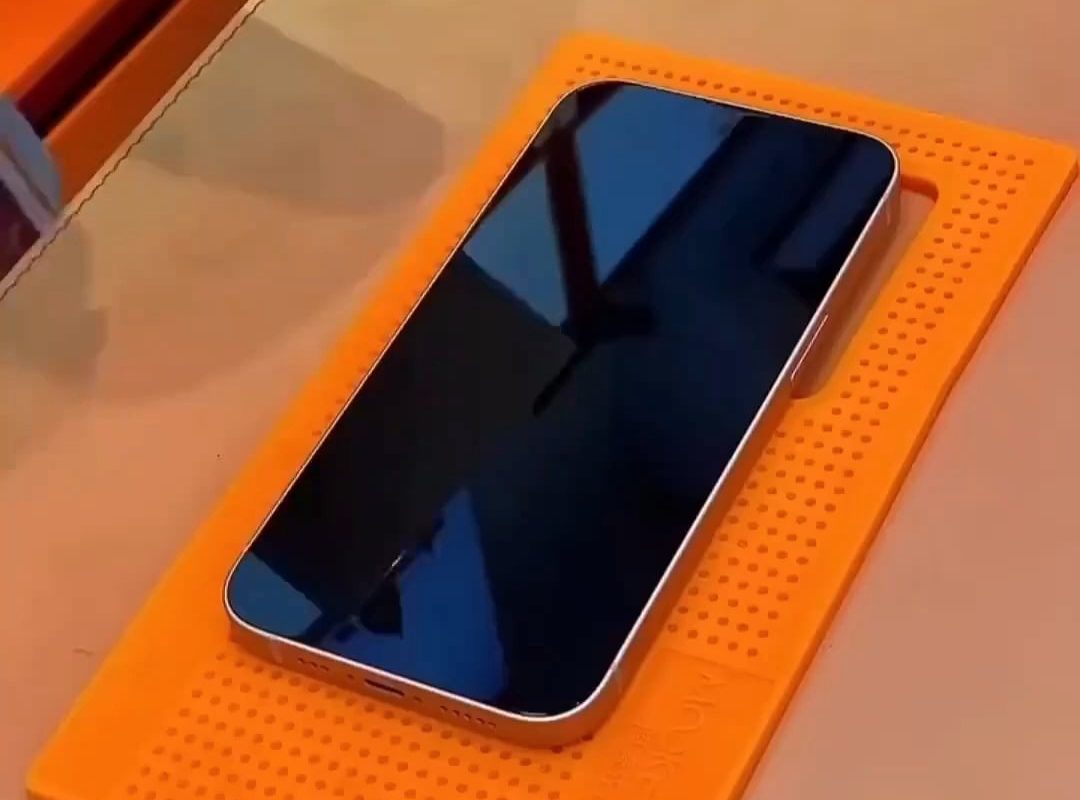
applying a screen protector to a phone
SEO Article: The Ultimate Guide to Applying a Screen Protector Flawlessly
Meta Description: Learn how to apply a screen protector like a pro! Follow this step-by-step guide to avoid bubbles, dust, and misalignment for perfect phone protection.
How to Apply a Screen Protector to Your Phone: A Step-by-Step Tutorial
A screen protector is essential for safeguarding your phone’s display from scratches, cracks, and fingerprints. But even the best protector won’t work if installed poorly. Follow this foolproof guide to achieve a bubble-free, lint-free, and perfectly aligned application every time.
Why Apply a Screen Protector?
Before diving into the steps, understand the benefits:
- Scratch Resistance: Protects against keys, sand, and other abrasive materials.
- Impact Absorption: Tempered glass can absorb shocks from accidental drops.
- Privacy Options: Some protectors add anti-glare or privacy filters.
- Resale Value: A flawless screen boosts your phone’s resale value.
Tools You’ll Need
- Screen protector (tempered glass or film).
- Cleaning supplies: Microfiber cloth, alcohol wipes, and dust stickers.
- A well-lit, dust-free workspace (avoid fans or open windows).
- Tape or alignment stickers (if not included with the protector).
- Patience! Rushing increases the risk of errors.
Step-by-Step Guide to Applying a Screen Protector
1. Prep Your Workspace
- Clean your surface (e.g., a table) to avoid dust floating onto the screen.
- Wash your hands thoroughly to prevent transferring oils.
2. Remove Old Protectors or Cases
- Peel off any existing screen protector.
- Remove the phone case to ensure full access to the screen edges.
3. Deep-Clean the Screen
- Wipe the screen with an alcohol wipe to dissolve oils and grime.
- Use a dry microfiber cloth to polish the surface.
- Inspect under bright light: Use a dust sticker to pick up stubborn lint.
4. Align the Protector (Pro Tip!)
- Check if your protector comes with an alignment frame. If not:
- Use tape to hinge the protector to the phone’s edge, creating a “flap” for adjustments.
- Align ports (speakers, camera) perfectly before peeling off the backing.
5. Apply Without Bubbles
- Peel the backing slowly, holding the protector by its edges.
- Lower it onto the screen at a slight angle, starting from the top or bottom.
- Let it self-adhere gradually to push out air. Avoid pressing until fully aligned.
6. Remove Trapped Bubbles
- Minor bubbles? Gently push them toward the edge with a microfiber cloth or credit card.
- Stubborn bubbles? Lift the protector slightly and reapply from that edge.
7. Final Inspection
- Check for dust specks, misalignment, or lifting edges.
- Re-clean and reapply if necessary. Most protectors allow repositioning within 1-2 minutes.
Common Mistakes to Avoid
- Touching the adhesive side: Fingerprints disrupt adhesion.
- Applying in a dusty or windy area: Guarantees trapped particles.
- Misaligning on the first try: Use alignment guides and measure twice!
Tempered Glass vs. Film Protectors
- Tempered Glass:
- Pros: Better clarity, hardness, and self-healing properties.
- Cons: Thicker; may not fit all cases.
- Film (PET/TPU):
- Pros: Slimmer, flexible, and inexpensive.
- Cons: Less scratch-resistant.
FAQs About Applying Screen Protectors
Q: Do I need a UV light for liquid adhesive protectors?
A: Only for specialized models (e.g., curved-edge screens). Most standard protectors stick via static or silicone adhesive.
Q: How long do screen protectors last?
A: Tempered glass lasts 6–12 months; film lasts 3–6 months, depending on usage.
Q: Can I reuse a screen protector?
A: Not recommended. Once removed, adhesives lose effectiveness.
Conclusion
With the right tools and technique, applying a screen protector is a quick DIY task that saves you costly screen repairs. Follow this guide, take your time, and enjoy a pristine, protected display that looks and feels like new!
Tags: Screen protector guide, bubble-free application, phone screen protection, tempered glass installation, DIY phone care.
(Word Count: 600)
PRO TIP: Buy a screen protector with an installation kit (alignment tray, wipes, cloth) for stress-free results!