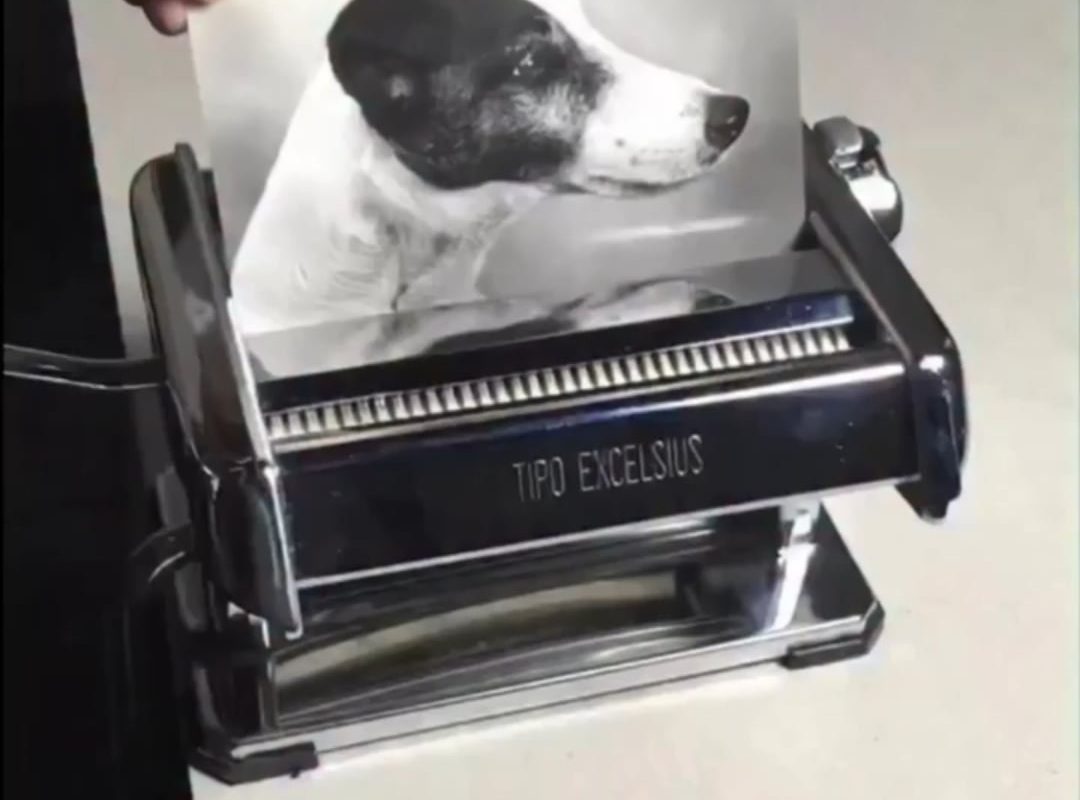
Splitting one photo into multiple smaller photos
Title: How to Split One Photo into Multiple Smaller Photos: A Step-by-Step Guide
Meta Description: Learn how to split a single image into a grid of smaller photos for Instagram, collages, printing, and more. Discover tools, tips, and creative ideas for flawless results.
Slug: splitting-photo-into-multiple-smaller-photos
Introduction
Ever wanted to transform a single photo into a dynamic collage, a puzzle of smaller images, or an eye-catching Instagram grid? Splitting one large picture into several smaller photos is a popular technique for both creative and practical purposes. Whether you’re designing social media content, crafting DIY wall art, or preparing images for printing, this guide will walk you through the simplest tools and methods to split photos effortlessly.
Why Split a Photo into Multiple Images?
- Instagram Grid Aesthetics: Create a cohesive feed where one large image spans multiple posts.
- Collages & Wall Art: Print sections of a photo to assemble as a gallery wall or mosaic.
- Custom Merchandise: Split designs for mugs, phone cases, or multi-panel prints.
- Simplified Sharing: Break down high-resolution images for faster uploads.
How to Split a Photo: 3 Easy Methods
Below, we’ll cover free online tools, professional software, and mobile apps to get the job done.
Method 1: Online Splitting Tools (Quick & Free)
Best for: Social media grids, collages, and beginners.
-
IMGonline
- Upload your image.
- Choose the grid size (e.g., 3×3, 4×4).
- Download the split images as a ZIP file.
-
PhotoSplit:
- Drag and drop your photo.
- Select rows and columns.
- Apply borders or spacing if desired.
Pros: No installation required, browser-based, instant results.
Cons: Limited to basic grids; fewer editing features.
Method 2: Using Photoshop (For Precision)
Best for: Custom layouts, print projects, and advanced users.
- Open your image in Photoshop.
- Enable Grids: Go to
View > Show > Grid(Ctrl/Cmd + ‘). - Slice Tool: Select the Slice Tool (under the Crop Tool).
- Right-click and select Divide Slice to split vertically/horizontally.
- Export Slices:
File > Export > Save for Web (Legacy). Choose “Images Only” and save.
Customization Tip: Add guides (View > New Guide) to split irregular sections.
Method 3: Mobile Apps (On-the-Go Splitting)
Best for: Splitting photos for Instagram Reels, Stories, or quick edits.
-
GridArt (iOS/Android):
- Upload your photo.
- Select a grid template (e.g., 3×3, 4×6).
- Save or share directly to Instagram.
-
PicSplit (Android):
- Split into customizable rows/columns.
- Add filters and backgrounds before exporting.
Pro Tips for Flawless Splitting
- Preserve Quality: Start with a high-resolution image to avoid pixelation.
- Consistent Aspect Ratios: Ensure all split sections match the dimensions of your target platform (e.g., 1:1 for Instagram posts).
- Alignment Tools: Use grids and guides in software like Canva or Photoshop for precision.
- Printing: Overlap sections slightly if assembling a physical collage for seamless alignment.
Creative Ideas for Split Photos
- Instagram Puzzle Feed: Tease followers with daily posts that form a larger image.
- Scavenger Hunt: Hide split photo sections around your home or event.
- Personalized Gifts: Print splits on ceramic tiles, coasters, or magnets.
- Educational Tools: Create geography/culture collages for classrooms.
Common Challenges & Solutions
- Blurry Output: Increase the original file resolution before splitting.
- Misaligned Prints: Label split sections (e.g., “Top-Left”) and print a reference guide.
- Cropped Content: Use tools that let you adjust the focal point before splitting.
Conclusion
Splitting a photo into smaller pieces opens up endless creative possibilities—from viral social media posts to personalized home décor. Whether you use a browser tool, Photoshop, or a mobile app, the process is simple once you know the right steps. Experiment with layouts, share your creations, and watch engagement soar!
Ready to try it? Pick a photo, choose your method, and start splitting today!
Keywords: Split photo into grid, image splitter tool, Instagram grid maker, photo collage software, divide photo into smaller parts.